Guide
How to monitor AI coding agents on developer machines
What to watch when Claude Code, Codex or Cursor run on team laptops, what built-in hooks and telemetry can and cannot tell you, and how to respect privacy.
· 9 min read · By the vetkit team
Why approvals are not enough
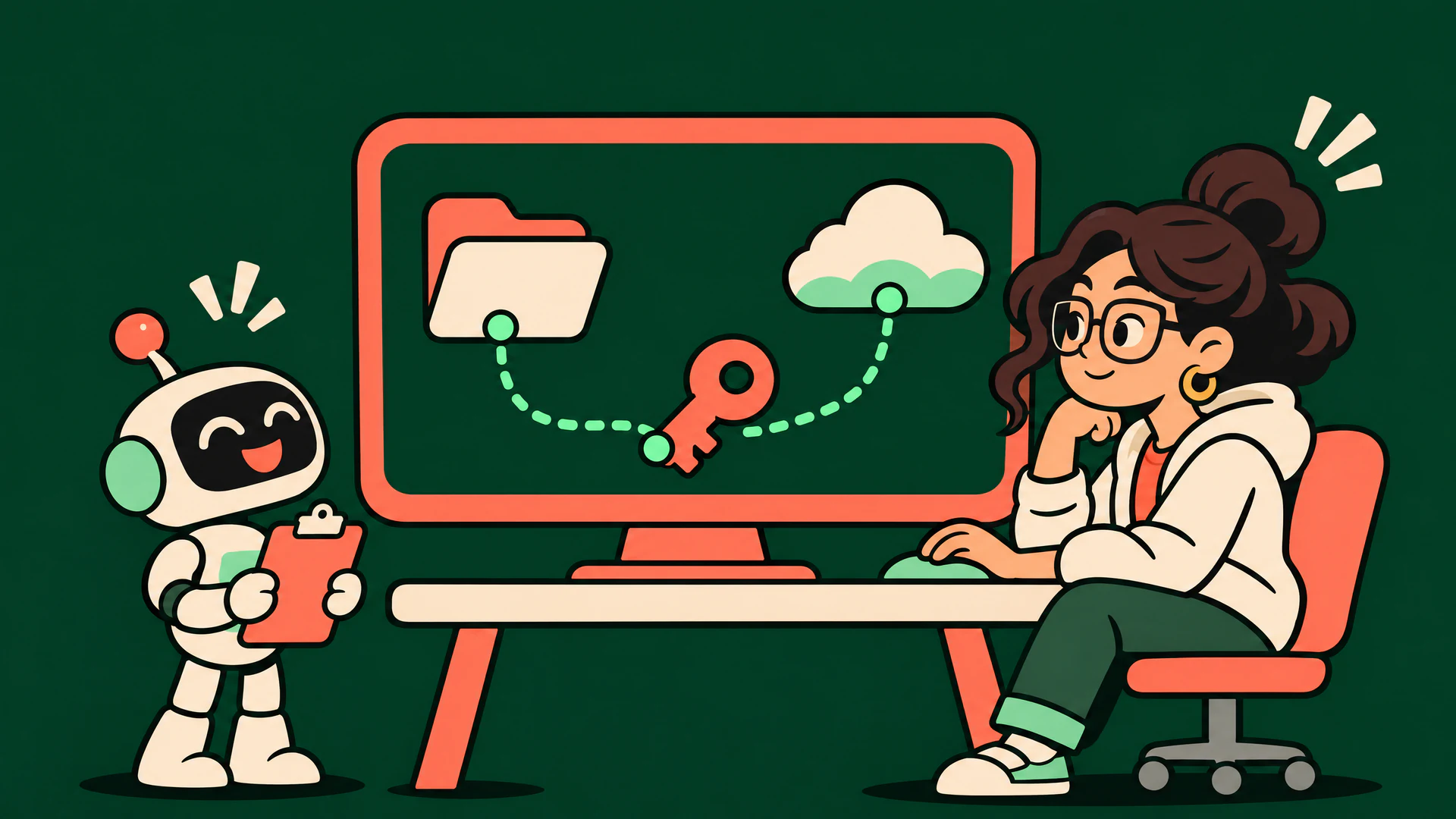
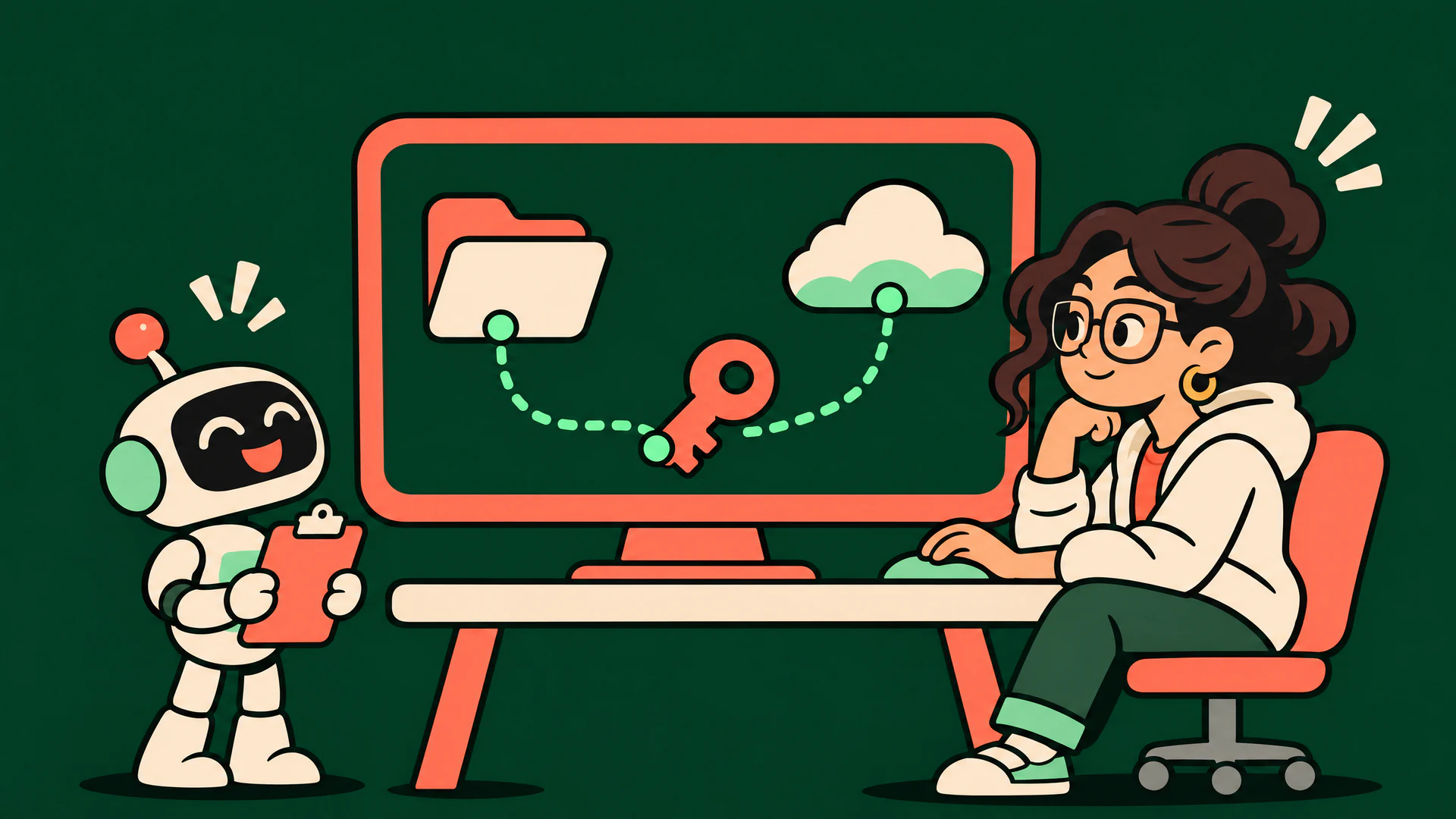
AI coding agents ask before risky actions, or let an automatic reviewer decide. That protects the moment of approval. It does not tell a team what happened across hundreds of sessions on dozens of laptops: which agent read a cloud credential, which one sent data to a domain nobody recognises, or which one quietly edited its own settings so the next run asks less.
Monitoring fills that gap. The goal is not to watch developers; it is to be able to answer a simple question when something looks wrong: what did the agent touch? The guide to what agents can access explains why that surface is larger than most people assume.
What to watch
Most of the risk falls into a handful of categories. A useful monitor covers each of them and links the activity back to the agent that caused it.
| Category | Examples | Why it matters |
|---|---|---|
| Credential access | SSH and GPG keys, cloud credentials, tokens, keychain, browser data | The most valuable thing on a developer machine |
| Network egress | Uploads, paste and file-sharing services, first-seen domains | How data leaves; a credential read followed by egress is the classic sequence |
| Destructive actions | Broad deletes, rewriting git history, dropping tables, mutating cloud resources | Mistakes here are expensive even without an attacker |
| Scope | Reads, searches and writes outside the project | A coding task rarely needs the rest of the disk |
| Supply chain | Package installs, piping a remote script to a shell, launching MCP servers | New code arrives and runs with your rights |
| Persistence and posture | Login items, shell profiles, agent settings and instruction files, approval bypass modes | Changes that outlive the session and shape the next one |
What the tools give you built in
The agents themselves expose useful hooks and telemetry. They are a good starting point, with clear limits.
- Hooks. Claude Code, Codex and Cursor can run your own script before or after a tool call, for example before a shell command or an MCP call. Claude Code and Cursor document that hooks fail open on timeouts or errors by default, and Claude Code recommends the permission system rather than hooks for hard allow or deny rules.
- OpenTelemetry. Claude Code and Codex can export tool decisions and results over OpenTelemetry. It is off by default, prompts are not logged unless you opt in, and neither tool lets a repository’s own configuration turn telemetry on or choose where it goes.
- What they cannot see. Built-in signals describe what the agent asked its tools to do. A shell command that starts other processes, a script inside a dependency install or a container the agent launches is outside that view, and every tool reports in its own format.
Three ways to monitor
| Approach | Good at | Limits |
|---|---|---|
| Agent hooks and telemetry | Exact tool calls, cheap to start, vendor supported | One setup per tool, fail open, blind to child processes, depends on each developer’s configuration |
| Endpoint security (EDR) | Sees every process and connection on the machine | Does not know which activity came from an agent session, and rules are written for malware, not for a busy coding assistant |
| A dedicated agent monitor | Ties operating system activity to the agent and session, one view across tools, rules written for agent behaviour | Another app to install; needs a clear privacy model to be acceptable to a team |
These combine well. Hooks give precise intent, a dedicated monitor gives coverage and attribution, and EDR stays the backstop for everything else on the machine.
Think in sessions, not events
A single file read is rarely interesting. A session that read a cloud credential and then uploaded something to a first-seen domain is. Two ideas make monitoring useful rather than noisy:
- Group by session and rule. Repeats of the same behaviour should raise a count, not create a new alert each time.
- Make “did not” claims, honestly. The most reassuring output of a monitor is a statement such as “no reads outside the project” or “egress only to allowed domains”. Such a claim is only as strong as the sensor coverage behind it, so it should say when coverage was partial, for example after a sensor restart or when the agent delegated work to Docker or SSH.
Monitoring without surveillance
Watching what a tool does on someone’s laptop is close to employee monitoring, and should be designed that way:
- Pairing a device should be an explicit action by the person at their own machine.
- Upload metadata (alerts, session summaries), not file contents, prompts or keystrokes.
- Redact secrets on the device before anything leaves it.
- Let organizations limit what admins see, and log every time an admin opens someone’s details.
- Keep retention short and let people revoke their own device at any time.
- Check notice, consent and works-council requirements under your local law before rolling out.
Where vetkit fits
Agent Watch is vetkit’s desktop app for this. It watches Claude Code, Codex, Cursor, Windsurf, Copilot, Gemini CLI, Cline and Aider sessions on a paired machine and reports credential access, egress, destructive commands, scope, supply chain, persistence and posture findings, grouped by rule and device. Each session carries attestations marked verified, partial or unknown according to sensor coverage. It observes and reports; it does not block.
It follows the privacy model above: devices pair through a code the person approves, uploads are metadata only, raw events are uploaded only when both the organization and the user opt in, admin reads of another member’s details are audited, and members can revoke their device at any time. The Agent Watch documentation covers availability and plans. For the configuration side, the permissions guide shows what the repository audit flags in committed agent settings.
Sources
We read the statements about each tool from its own documentation on :
Product names are trademarks of their respective owners. vetkit is not affiliated with, endorsed by or sponsored by them. Spotted something out of date? Email contact@vetkit.dev and we will correct it.