Guide
Is vibe coding bad? What goes wrong and how to check your code
Vibe coding is not bad in itself. The risk is shipping code nobody read. The mistakes AI assistants repeat, when they matter, and how to check for them.
· 7 min read · By the vetkit team
The short answer
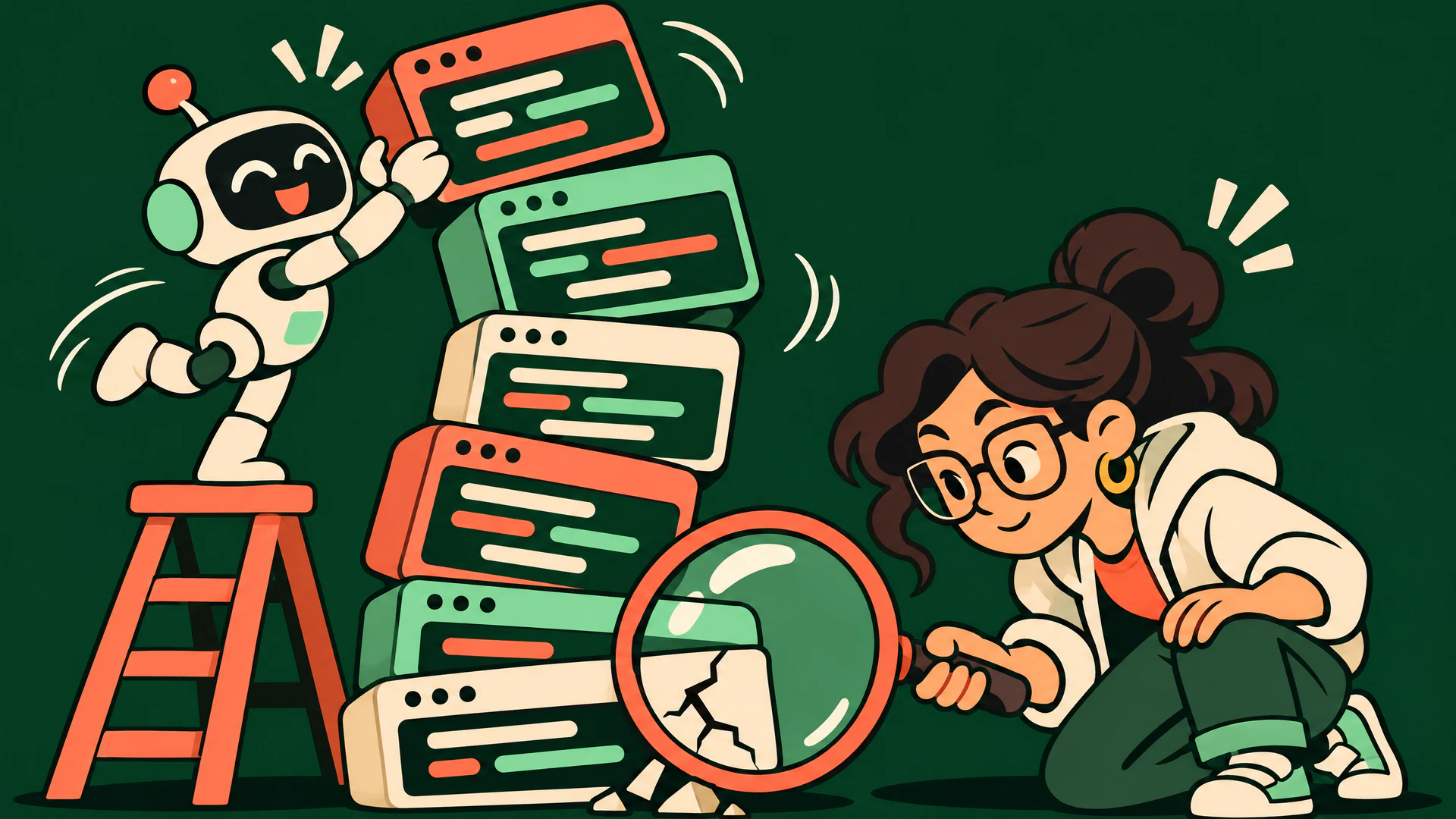
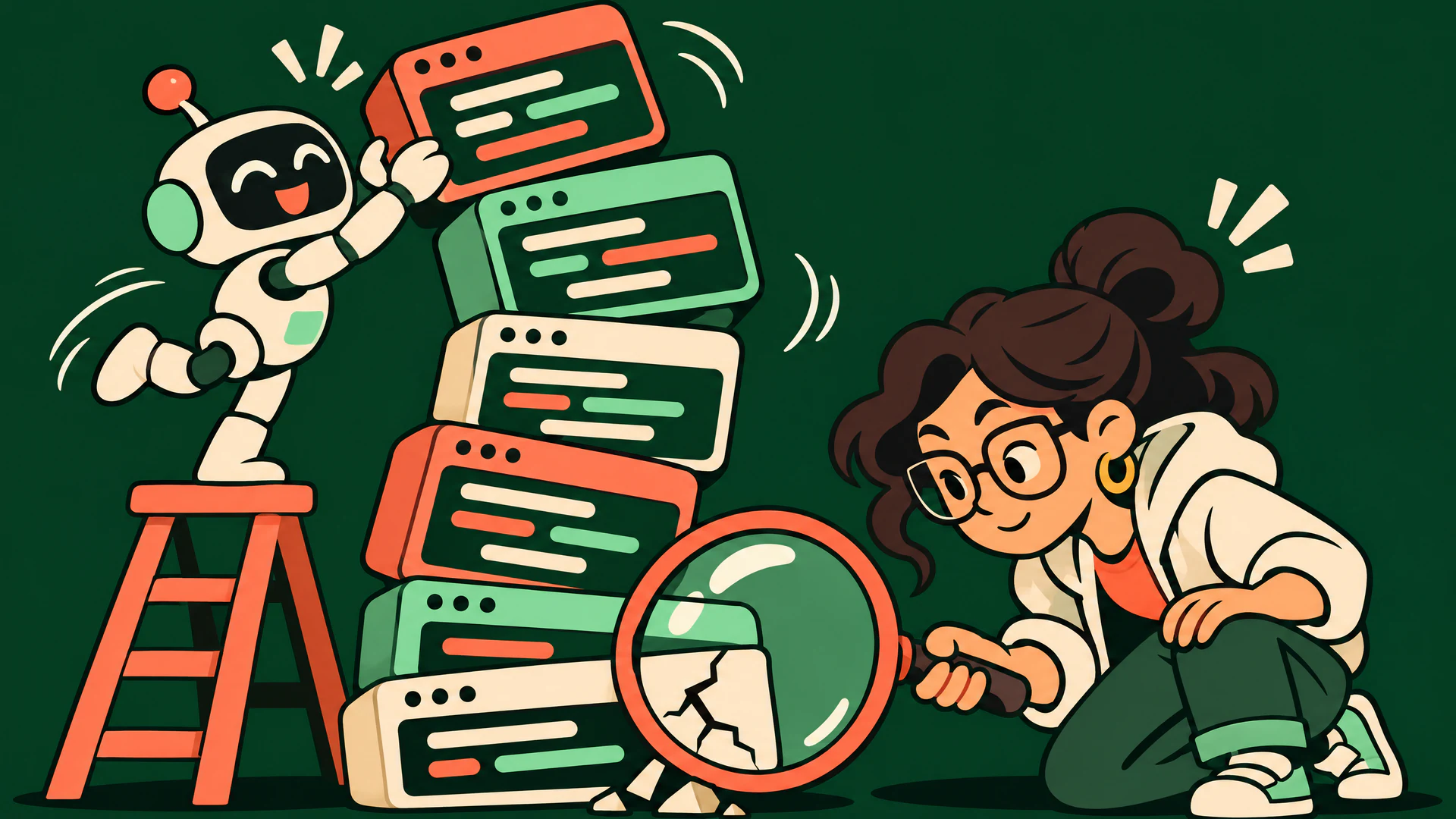
No, vibe coding is not bad in itself. It is a fast way to get working software, and for prototypes, internal tools and learning it is often the right choice. It becomes a problem at one specific point: when code that nobody has read starts handling real users, real data or real money. The risk is not that an AI wrote the code. The risk is that nobody checked it.
So the useful question is not “is vibe coding bad?” but “what do I need to check before this goes live?”. The rest of this guide answers that.
What vibe coding means
Vibe coding means building software by describing what you want to an AI assistant and accepting the code it writes, mostly without reading it. The term was coined by Andrej Karpathy in early 2025 for a style of working where you give in to the vibes and forget that the code even exists. You judge the result by running the app, not by reviewing the changes.
That is different from AI-assisted development, where a developer uses the same tools but still reads, tests and takes responsibility for each change. Most real projects sit somewhere between the two, and they drift toward vibe coding when deadlines get tight.
What goes wrong
AI assistants are good at producing code that runs. They are less reliable at the things that do not show up when you click through the app once. The same mistakes come up again and again:
| Problem | What it looks like | Why you do not notice |
|---|---|---|
| Secrets in the wrong place | An API key committed to the repository or shipped in the browser bundle | The app works exactly the same either way |
| Missing access checks | Any signed-in user can read another user’s records; database tables without row-level rules | You only ever test with your own account |
| Packages that do not exist | The assistant invents a plausible package name, and someone else may have registered it | The install command succeeds |
| Unfinished code | Placeholder functions, TODO branches and swallowed errors left in the main path | The happy path still passes |
| Untrusted input used directly | Request data built into SQL, shell commands, file paths or HTML | Normal input behaves normally |
| Nothing for failure | HTTP calls without timeouts, queries inside loops, no error reporting | It is fast with ten rows and one user |
None of these are new. Developers made every one of them before AI assistants existed. What changes with vibe coding is the volume and the missing review step: more code arrives faster, and the person who would have caught the problem never reads it. Three of them are covered in detail elsewhere on this site: API keys in the browser, invented packages and leaked secrets.
When it matters and when it does not
Vibe coding is a reasonable choice when a mistake is cheap:
- A prototype or demo that will be thrown away or rewritten.
- A personal script or an internal tool with no sensitive data.
- Learning a new framework or exploring an idea.
It needs a check before release when a mistake is expensive:
- The app has user accounts, payments or personal data.
- It holds credentials for other services, such as an LLM provider or a database.
- Other people will depend on it staying up, or someone else will have to maintain it.
The line is not how the code was written. It is what happens if the code is wrong. Many projects cross that line without anyone deciding to: the demo gets its first real users and nobody goes back to read it.
How to keep the speed and lose the risk
You do not have to give up the speed. You have to add back the check that vibe coding skips.
- Read the changes that touch money, login and data. You can skip reading the layout code. You cannot skip authentication, authorization, payments and anything that writes to the database. The AI-generated code review checklist lists what to look for.
- Test with two accounts. Sign in as one user and try to read or change another user’s records. This single test finds the most damaging class of bug in vibe-coded apps.
- Check every new dependency. Confirm the package exists, is the one you meant and was not published last week.
- Scan the repository before you ship. An automated audit finds the mechanical problems faster than a person: committed secrets, vulnerable or non-existent dependencies, missing timeouts and unsafe handling of input. vetkit’s check catalog shows the rules it runs, and the free Security Quick Scan covers secrets, known dependency vulnerabilities and basic posture.
- Ask the assistant to fix what the scan finds. Connect the scanner to your coding agent so findings come back into the same conversation. The MCP guide shows how.
When you are ready to release, the security checklist before shipping a vibe-coded app walks through the release decision step by step.
Sources and limits
The list of common problems reflects the categories covered by vetkit’s first-party rules for AI code risks, security, resilience and data access, checked on November 10, 2026. It is a description of recurring patterns, not a measurement of how often they occur. The term “vibe coding” comes from Andrej Karpathy’s February 2025 post.
An automated scan is evidence to review, not proof that an app is safe. It reads source code; it does not test your deployed permissions, your hosting configuration or your business rules. The two-account test and the manual review above remain your job.