Guide
How to scan AI-generated code for leaked secrets
Scan the repository snapshot, inspect frontend exposure, and review Git history separately. Learn what vetkit detects and what to do when a credential leaks.
· 5 min read · By the vetkit team
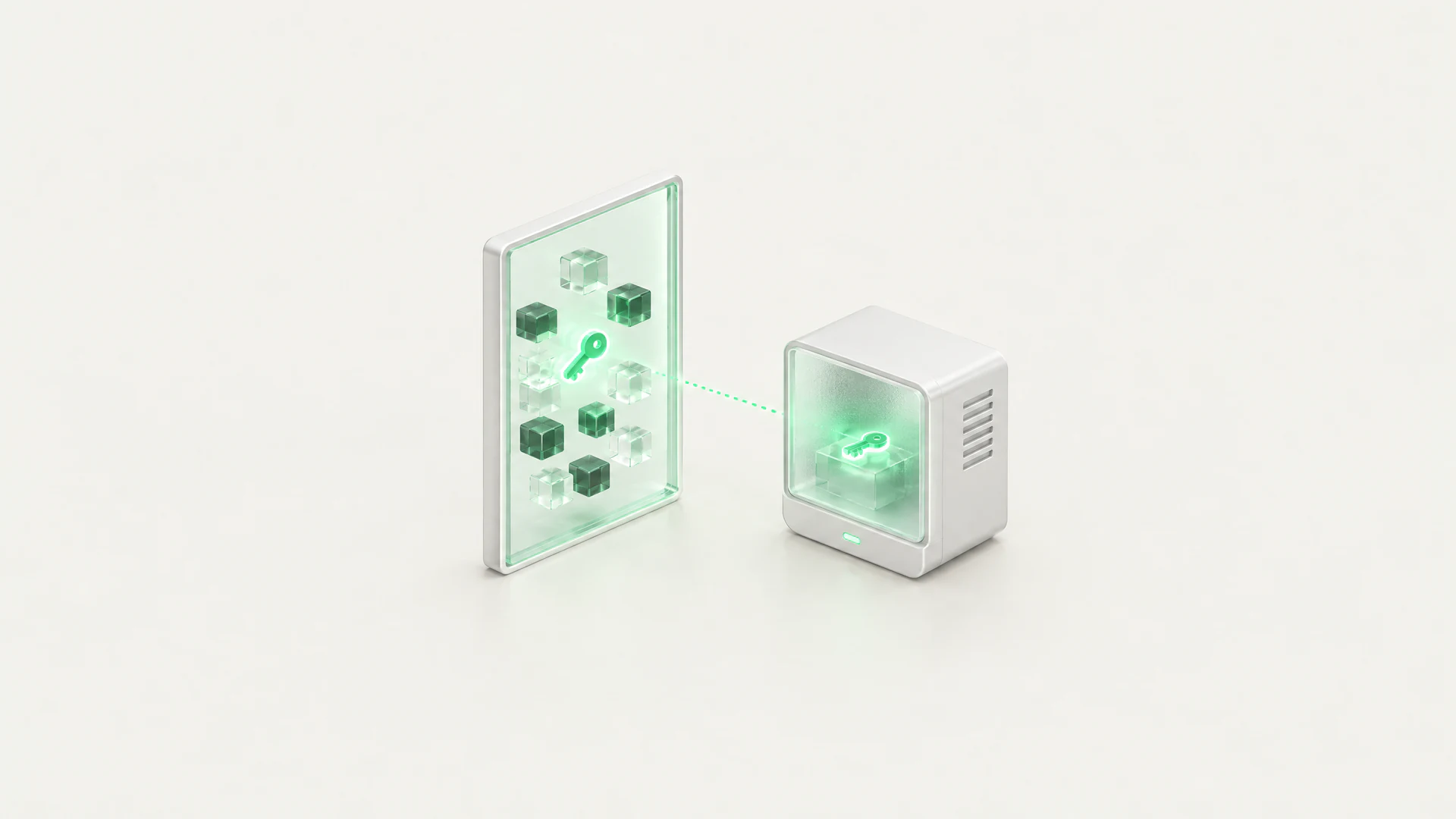

To scan AI-generated code for leaked secrets, run a secret scanner against the repository version you intend to ship, review the file and line evidence, and revoke any exposed credential. In vetkit, Security Quick Scan includes repository secret detection; Git history and browser-side key exposure need separate checks. A clean report covers only the files and checks that actually ran.
1. Choose the scan scope
Generated code can contain a copied credential, a realistic placeholder, or code that exposes a key only when you build the app. Those are different problems. Decide which evidence you need before interpreting the result:
| Question | Relevant check | Limit |
|---|---|---|
| Is a credential present in the scanned repository files? | Secrets (gitleaks), included in Security Quick Scan | Pattern-based detection in the checkout, not proof that every credential is absent |
| Was a credential deleted from the current files but left in commits? | The separate secrets-history analyzer, when available in the selected audit scope | Bounded history; not part of Quick Scan |
| Could build-time configuration expose a provider key to browsers? | LLM app checks for supported code patterns, plus your own build inspection | Not part of Quick Scan; a source audit does not inspect your deployed assets |
2. Scan the intended repository version
- Connect the repository in vetkit, then select Security Quick Scan or an available audit scope that includes secret detection.
- Confirm the repository and target ref. Remote repository scans cannot see unsaved editor buffers or local files you have not pushed. Do not commit a suspected secret just to make it scannable.
- Wait for completion and check the analyzer results for errors or skipped checks before reading the findings. An unavailable scanner is not a passing check.
If you work through an assistant, the Claude Code and Cursor MCP guide explains how to choose a repository and inspect audit results. Use placeholders in prompts; never paste a real credential into the assistant to ask whether it is valid.
3. Review each finding
Read the rule, severity, file path and line location. vetkit’s secret findings use redacted snippets; inspect the source privately to distinguish an actual credential from synthetic test data. Generic patterns can produce false positives, and unfamiliar formats can be missed. A match alone does not establish whether the credential is still active.
Prioritize credentials that grant access to cloud resources, repositories, package publishing or production data. Record the affected service and remediation owner without copying the secret into a ticket, screenshot or chat. Do not dismiss a finding merely because the assistant calls the value an example.
4. Check browser exposure and history
A key can remain outside Git and still reach users through a frontend build. Review public environment-variable use, provider SDK calls and bundler configuration, then inspect the generated browser assets in your own controlled environment. See the frontend API-key guide for examples. The repository scan does not automatically build your app with deployment secrets or examine the live site’s bundles.
If a credential may have been committed earlier, include the separate history check where your audit scope allows it. Its default window is at most 500 commits and can be smaller when checkout history is shallower. It is not an exhaustive search of every branch, fork or copy of the repository.
5. Respond and scan again
- Revoke or rotate an exposed credential with its provider. Deleting a line or rewriting a commit does not invalidate a copied key.
- Move the replacement to an appropriate server-side secret store or runtime environment. Ensure it cannot be bundled into browser code or printed in logs.
- Review provider access and usage records for unexpected activity. Coordinate any history cleanup with repository collaborators; rotation remains necessary.
- Run a new scan against the corrected version and repeat the relevant build or history checks. Keep the audit’s target version with your remediation record.
Sources and limits
Checked on November 1, 2026 against vetkit’s Quick Scan configuration and the gitleaks, secrets-history and LLM app analyzer implementations. Quick Scan runs posture, gitleaks and OSV; it does not include every analyzer in a full audit. The gitleaks integration defaults to skipping files larger than 5 MB, and scans are subject to repository, file and time limits. Review the actual run’s coverage and warnings.
The documentation describes the audit workflow, and the public check catalog documents first-party rules. That catalog is not a complete list of third-party gitleaks signatures. This guide describes detection and remediation steps; neither a clean scan nor a high score guarantees that an app is secure.